Register an Organization
Typically you need to create an Organization on AuthNull after which you require atleast one default tenant. The Default tenant is automatically created, and you can choose to create more tenants as necessary.
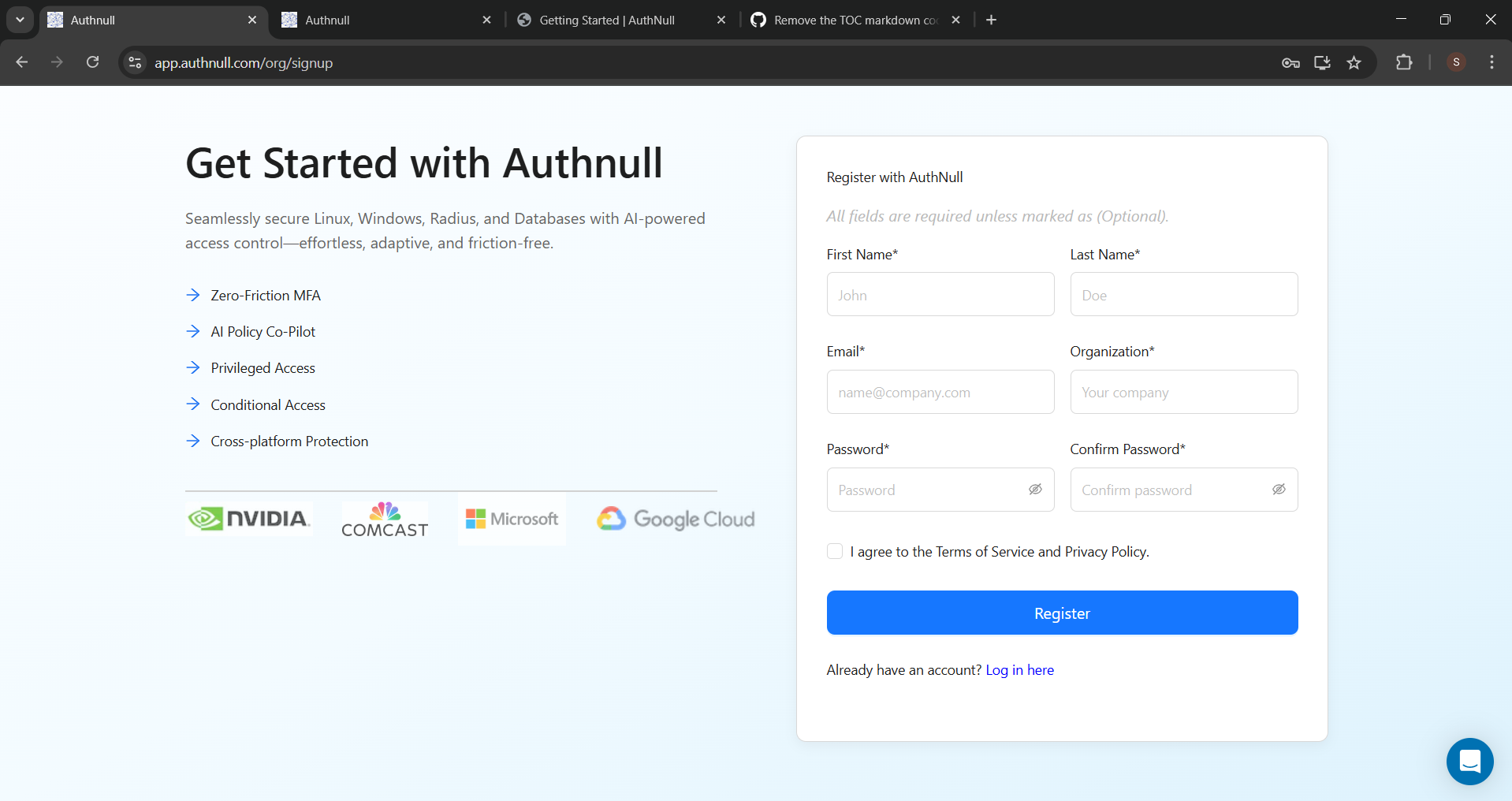
Setup the organization and a default tenant
Get in touch with Authnull to get your organization created after which you will need to create one or more tenants. A tenant allows you to group resources and typically used for a single division / location etc. If your organization is small - then keep the default tenant.
Typically Organization has its own admin, and tenant’s have their own admin and separate url to sign into.
To learn more, read the blog at this url or watch the video below.
Tenant config
Once a tenant has been configured, be sure to login to the tenant and configure the following
-
SSO MFA caching - SSO caching enables you to disable the mobile push notifications so that your SSO web console session is used to automatically fetch credentials and passwords. To begin with, do not enable SSO caching. Once your tenant is up and running, you can enable SSO MFA caching.
-
Authentication policies - ensure that these are set to “Audit mode” so that the policies are auto discovered first. Once you have all authentication discovered and policies created, you can switch to zero trust.
-
Use a decentralized vault - at this moment of time this is the only option enabled. But review to make sure this is enabled.
Watch the video for the full set of instructions.